

If you are planning to start a career in data analytics, you will quickly encounter one big question: Power BI vs Tableau — which tool should you learn first?
Both are among the most popular data analytics tools used by companies to transform raw data into visual insights. From dashboards to executive reports, these tools help businesses understand their data and make better decisions.
But from a student’s perspective, the real question is different.
Which tool actually helps you get hired faster, especially in Power BI vs Tableau India job markets?
In this blog, we will break down the differences between these tools, understand how companies use them, and help you decide which is better Power BI or Tableau for starting your career.
Why Data Visualization Skills Matter in 2026
Data is growing faster than ever. According to industry reports, the global volume of data is expected to reach over 180 zettabytes by 2026. Organizations collect huge amounts of information, but without visualization tools, it becomes difficult to interpret.
This is where tools like Power BI and Tableau become essential.
Companies rely on these tools to:
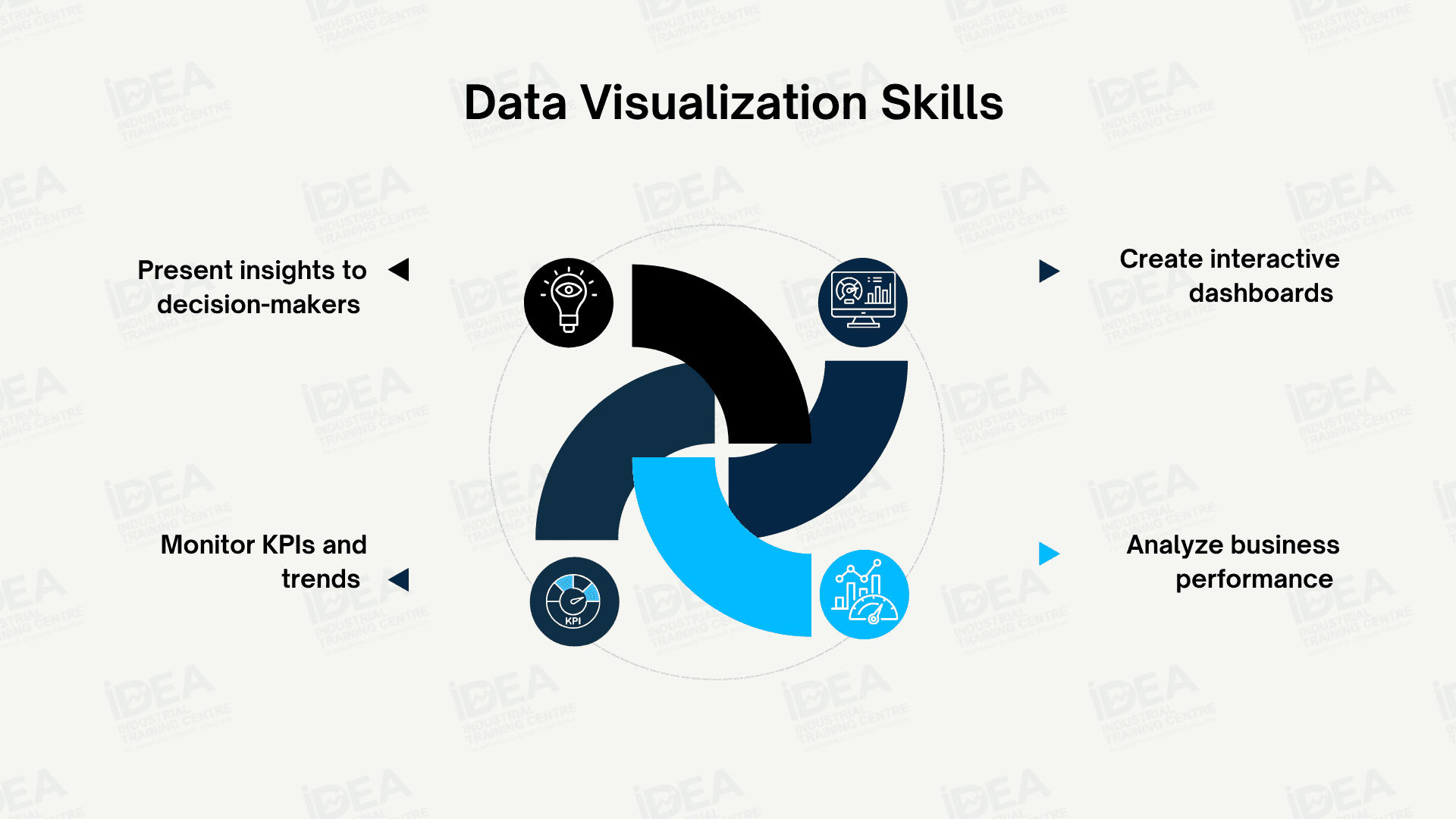
Because of this growing demand, knowledge of a data analytics tool has become one of the most valuable skills for students entering analytics careers.
Power BI vs Tableau: Key Differences
Before deciding which tool to learn, it is important to understand how they differ.
| Feature | Power BI | Tableau |
|---|---|---|
| Developed By | Microsoft | Salesforce |
| Ease of Learning | Beginner-friendly | Slightly advanced |
| Integration | Strong integration with Excel and Microsoft tools | Works well across multiple platforms |
| Cost | More affordable for organizations | Higher licensing cost |
| Popularity in India | Widely used by many companies | Popular in large enterprises |
Both tools are powerful for building dashboards, but the choice often depends on company ecosystem and project requirements.
Power BI vs Tableau India: What Employers Prefer
When comparing Power BI vs Tableau India, one key factor is the type of companies using these tools.
Many Indian companies already use Microsoft products like Excel, Azure, and SQL Server. Because Power BI integrates easily with these systems, it has seen rapid adoption in the Indian analytics market.
Industry hiring reports suggest that Power BI appears in a larger percentage of entry-level job descriptions in India compared to Tableau.
For students looking for their first analytics role, this trend can make Power BI an attractive starting point.
However, Tableau still holds strong demand in large global companies and advanced analytics teams.
When Should You Learn Power BI First?
Power BI is often recommended as the first data analytics tool for beginners.
Reasons students start with Power BI
- Easier interface for beginners
- Strong integration with Excel
- Widely used in Indian companies
- Faster to learn dashboard basics
Many students who complete practical Power BI projects are able to build a strong analytics portfolio within a few months.
Because of this accessibility, Power BI is commonly taught in data analytics training programs across India.
When Tableau Becomes Valuable
While Power BI is beginner friendly, Tableau is known for its advanced visualization capabilities.
Tableau allows analysts to build complex and highly interactive visualizations. It is often used by organizations that require detailed data storytelling and advanced analytics dashboards.
Students who aim to work in large multinational companies, consulting firms, or global analytics teams may find Tableau particularly valuable.
In practice, many professional analysts eventually learn both tools to expand their career opportunities.
A Smart Learning Strategy for Students
Instead of choosing one tool forever, students can follow a simple learning strategy.
Start with a tool that helps you quickly understand data visualization and dashboard creation. After building foundational skills, learning a second tool becomes much easier.
Recommended approach
- Start with Power BI to learn dashboard basics
- Practice real datasets and business dashboards
- Build a small analytics portfolio
- Later explore Tableau for advanced visualization techniques
This approach helps students gain practical skills faster, which is critical when applying for analytics roles.
Conclusion
The debate around Power BI vs Tableau often depends on career goals, learning preferences, and the type of companies you want to work for.
For most beginners in India, Power BI offers a faster entry into analytics roles because of its ease of learning and strong adoption across organizations.
However, Tableau remains an excellent tool for advanced analytics and global opportunities.
The most successful data professionals eventually learn multiple data analytics tools, allowing them to adapt to different projects and industries.
Starting with the right tool and building practical experience is what truly helps students get hired faster.
Build job-ready dashboard skills with hands-on Power BI and analytics training at IDEA Institute’s Data Analytics Program.