

You’ve finished your Data Analytics course or Data Analyst course.
You understand basic concepts like charts, reports, and maybe a bit of SQL or Python.
Now you open job portals… and suddenly you see:
- “Must know Excel”
- “Hands-on experience in SQL”
- “Working knowledge of Tableau / Power BI”
- “Python skills preferred”
It can feel confusing and overwhelming.
The good news?
You don’t have to learn every tool. But you do need to be comfortable with a few important ones that almost every company uses.
In this blog, we’ll walk through the top 5 data analytics tools you should focus on before applying for your first job.
If you get basic, practical skills in these tools, you will be much more confident and ready for real interviews and tasks.
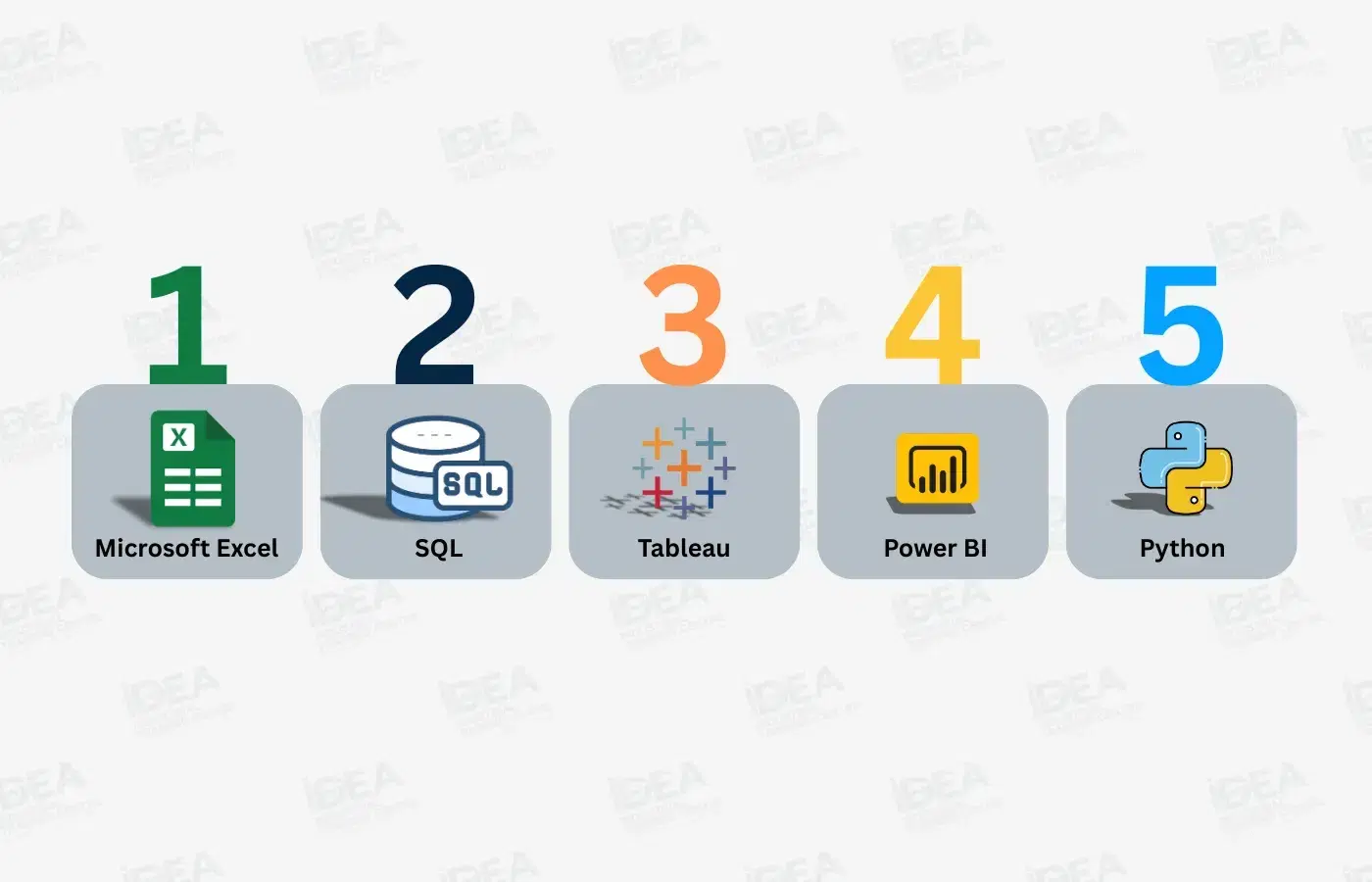
1. Microsoft Excel – Your First Data Playground
At first, Excel may look “too simple”. But in reality, it is still one of the most important tools for data analysts.
Many companies still use Excel for:
- Daily reports
- Quick analysis
- Sharing simple dashboards
Why Excel is Essential
- Data cleaning
You can remove duplicates, fix errors, and rearrange data easily. - Data manipulation
With formulas, Pivot Tables, and filters, you can summarize and explore data without writing any code. - Basic visualisation
You can create charts and graphs (bar charts, line charts, pie charts) to present your findings clearly.
Tip for Beginners
Start with:
- Basic formulas: SUM, AVERAGE, COUNTIF, IF
- Filters and sorting
- Pivot Tables
- Simple charts
Once you’re comfortable, you can explore more advanced features like conditional formatting or simple macros to save time on repetitive work.
2. SQL – Talking to Databases
SQL (Structured Query Language) is the standard language used to work with data stored in databases.
Whenever you see “data from a system”, “data from an app”, or “data from a company platform”, most of it usually sits in a relational database like MySQL, PostgreSQL, or SQL Server.
Why SQL is Essential
- Querying databases
You can select only the data you need instead of downloading everything. - Joining tables
For example, you can join customer data with order data to see the full story. - Transforming data
You can clean and reshape data directly inside the database before sending it to a report or tool. - High demand
Almost every data analytics job description mentions SQL as a required skill.
Tip for Beginners
Focus on:
- SELECT, FROM, WHERE
- ORDER BY and LIMIT
- JOIN (INNER JOIN is a great starting point)
- Simple aggregations: GROUP BY with COUNT, SUM, AVG
You don’t need advanced SQL immediately.
If you can write clean, basic queries and joins, you already have a strong start.
3. Tableau – Turning Data into Visual Stories
Tableau is a popular data visualisation tool. It helps you turn messy tables into clear, interactive dashboards that non-technical people can understand.
Instead of sending raw numbers, you can show trends, comparisons, and patterns in a visual way.
Why Tableau is Essential
- Visual storytelling
You can tell a clear story using charts, filters, and dashboards. - Used in many industries
Finance, healthcare, marketing, operations – many teams use Tableau for reporting. - Drag-and-drop interface
You don’t need to be a programmer or designer to use it.
Tip for Beginners
Start with:
- Loading a simple CSV or Excel file into Tableau
- Creating basic charts (bar chart, line chart, pie chart)
- Adding filters and slicers so users can interact with the dashboard
- Building one simple dashboard that answers a clear question
(Example: “How did sales change by month and region?”)
Your goal as a fresher is not to build complex enterprise dashboards, but to show that you can turn data into something easy to read and understand.
4. Power BI – Analytics in the Microsoft Ecosystem
Power BI is another powerful business intelligence and visualisation tool, and it is especially popular in companies that already use Microsoft products.
If a company uses Excel, SQL Server, or Microsoft 365, there is a high chance they also use Power BI.
Why Power BI is Essential
- Strong integration with Excel and SQL
You can easily connect to Excel files, databases, and other Microsoft tools. - Real-time dashboards
You can set up dashboards that refresh automatically with new data. - Beginner-friendly interface
It’s quite easy to start with, especially if you’re already comfortable with Excel.
Tip for Beginners
Focus on:
- Connecting Power BI to an Excel file or simple database
- Creating basic reports and a single-page dashboard
- Using fields, filters, and simple measures
- Publishing a report (even for practice) and viewing it in Power BI Service (if available)
Knowing both Excel and Power BI together makes you very attractive for many entry-level data analytics roles.
5. Python – For Deeper and Automated Analytics
Python is a programming language that is extremely popular in data analytics and data science.
You don’t need to be an advanced programmer to start using it.
But learning basic Python for data work can give you a big advantage.
Why Python is Essential
- Data manipulation
Libraries like Pandas and NumPy make it easy to clean, transform, and explore large datasets. - Automation
You can automate repetitive tasks like reading files, cleaning columns, or merging data from different sources. - Future growth
If you later want to move into machine learning or advanced analytics, Python is the main language used.
Tip for Beginners
Start with:
- Python basics: variables, lists, loops, functions
- The Pandas library:
- Reading CSV files
- Filtering rows
- Selecting columns
- Grouping and summarising data
- Simple visualisation using Matplotlib or Seaborn
You don’t need to build machine learning models on day one.
As a fresher, being able to handle data using Python is already a big plus.
Conclusion
In today’s job market, tools matter as much as theory.
To feel confident when applying for your first Data Analytics role, you should be comfortable with:
- Microsoft Excel – for quick analysis, cleaning, and basic dashboards
- SQL – for getting the right data from databases
- Tableau – for building clear and interactive visualisations
- Power BI – for business-friendly dashboards, especially in Microsoft-based companies
- Python – for deeper analysis and automation
You don’t need to master everything at once.
Pick one tool at a time, practice with small projects, and slowly build your portfolio.
Even simple projects like “sales dashboard in Excel”, “basic SQL queries on sample data”, or “first Tableau or Power BI report” make a real difference in your learning and your resume.
The most important step is not perfection.
It’s starting and practicing regularly.
Ready to start learning these tools step by step? Click here to explore a Data Analytics course that helps you build real, job-ready skills.